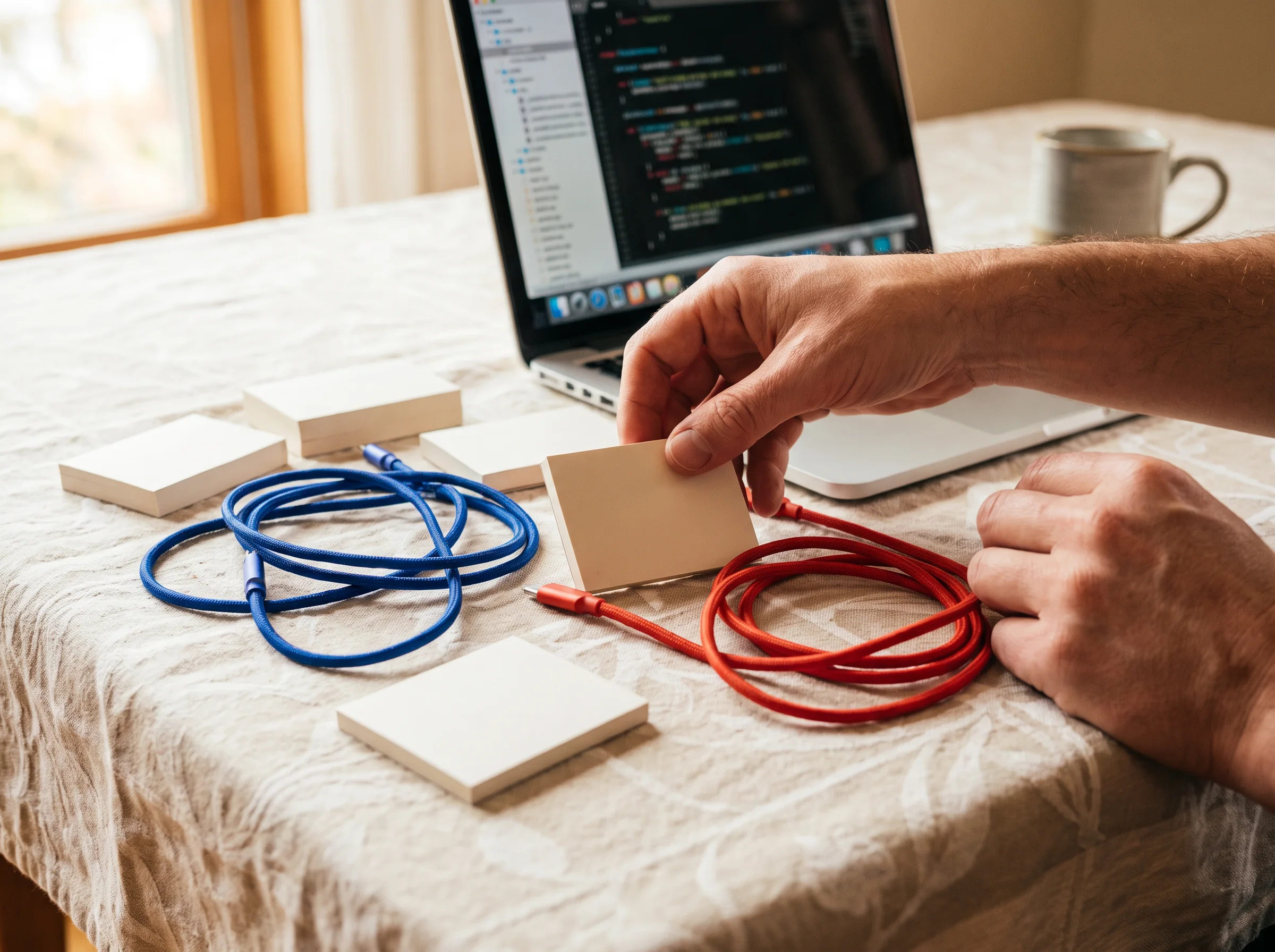
Tuxemado is an IT course workshop for people who want to move from a rough brief to a tested digital artifact—without treating learning like a conveyor belt.
Choose an edition by the kind of work you want to make. Each route shares a build-review-revise rhythm but starts from a different material.
Edition 01 / open now
Web page systems
Plan a small responsive site, shape its content hierarchy, write semantic HTML, and use CSS and JavaScript with care. The emphasis is on decisions you can explain and a version you can test in a browser.
Turn a small, well-understood dataset into a legible account. You will clean a source, state its limits, make a chart that carries a clear question, and publish the methods alongside the result.
Map a repetitive task before attempting to automate it. Build a modest script, keep a human checkpoint, and document how inputs, outputs, errors and revisions should be handled.
You do not need a polished technical background. You do need reliable access to a laptop, time for short between-session work, and a willingness to show a draft before it feels finished.
01
A real starting point
A page, process, dataset, idea, or recurring task you can examine. Personal and hypothetical examples are welcome when they contain enough detail to work with.
02
Everyday browser comfort
Opening files, using tabs, copying text, and naming folders is enough to begin. We introduce specialist tools when they become useful rather than making tool fluency an entrance requirement.
03
Notes on the decisions
Keep a small record of what you tried, why you chose it, and what changed. That record is part of the work: it makes a revision possible, not merely a correction.
Build-press stations
The floor is arranged for making choices visible.
Station A
Brief & frame
Find the task inside the request. Name the user, the constraint, the boundary and the smallest useful outcome.
Station B
Compose
Arrange structure, copy and interface elements into a readable first pass.
Station C
Test aloud
Put a task in another person’s hands. Observe before defending the draft.
Station D
Revise the proof
Turn what you noticed into a bounded next move. A useful revision is specific enough to verify.
Station E
Publish notes
Make the method legible alongside the outcome.
Tool-drawer selector
Pick a tool for the job in front of you.
Tools are introduced as working instruments, not badges. Select a drawer to see the kinds of questions it helps you ask.
Drawer 01
Markup
Use HTML to describe what a page means before making it look a certain way. The drawer opens questions about headings, controls, sequence, language and what a browser can understand.
Semantic structure
Accessible labels
Content order
Patch-note wall
Change notes belong beside the work.
At Tuxemado, a patch note is a small public record: what changed, what prompted it, and what still needs watching. It makes a draft easier to hand forward.
Moved the task start above the long explanation after a reader paused at the heading.
Patch 08
Reduced the input burden.
Replaced a free-text field with a short choice where the possibilities were already known.
Patch 11
Kept the exception.
Added a visible manual path rather than pretending every case belongs in the automation.
Layout critique studio
Critique is a way to see, not a verdict to receive.
We look at a version with the work in front of us. First, describe what is there. Then ask what a person can do, infer or miss. Only then do we propose a next experiment. It is a method for extending a draft, not scoring a person.
DescribeInterpretTry again
Project issue archive
Past prompts, kept as working references.
These are fictional course briefs, not case studies or promised outcomes. Use them as a way to see the scale and texture of an edition.
Revision does not always mean more polish. Sometimes it means less scope, a clearer source, an unglamorous manual check, or an explanation moved closer to the decision.
FOCUS / PURPOSE
Can you state the job in one sentence?
If the job is blurry, more features will not rescue it. Name who needs what, in which situation, and what a successful handoff looks like. Then remove anything that pulls attention away from that job.
Frequently asked questions
Before you step into the workshop.
These answers explain our approach, not a guarantee of any particular result.
No. The editions begin with the problem, the materials and the decisions around them, rather than assuming you already know a programming language. Familiarity with everyday computer tasks helps, but it is not a test. You will be asked to work patiently, save versions clearly, and describe what you notice when something does not behave as expected.
It is our way of organizing learning around drafts, tools and editorial judgment. A press does not make every object identical; it creates conditions for careful, repeatable work. In a Tuxemado edition, you make a small artifact, put its assumptions in view, test it with a real task where possible, and record a useful revision rather than chasing a performance score.
You will work toward a small, testable version and document how it was made, but the final decision to publish is yours. Some work needs another round, permission from a collaborator, a better source, or a security review before it belongs in public. We value a well-scoped draft with clear limitations more than a rushed object presented as finished.
Start with the material that is already creating friction. Choose Web page systems when people need to find, read or act on information. Choose Data stories when the question is hidden inside a small collection of records. Choose Small automations when a repeated sequence is consuming attention. If your situation crosses all three, write to us with the smallest concrete example and we can help you frame it.
Submission-desk contact
Send the rough note.
Tell us which edition you are considering and what you hope to make or understand. This browser-only form does not send information to a server; it simply confirms that your note is ready to copy into your own email.